
Streaming Setup Guide
Streaming Setup Guide
Build a cleaner streaming station around clear audio, accessible controls, organized peripherals and a desk layout that keeps gaming and broadcasting workflows easy to manage.
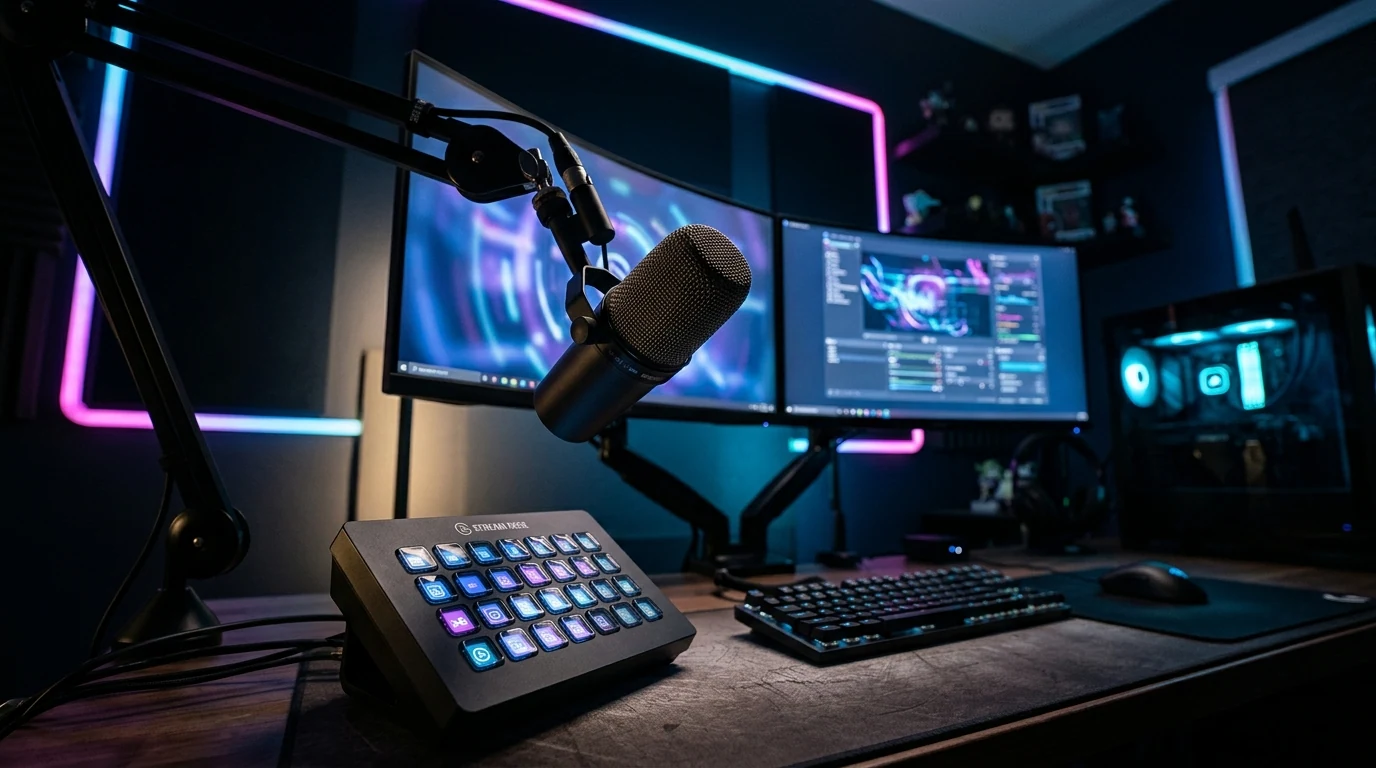
Build the station around the tasks you repeat.
A streaming setup works best when the equipment supports the way you actually play, speak, monitor audio and control your broadcast. Start with function before adding visual complexity.
Prioritize the parts that affect every session.
A refined streaming station does not need every possible accessory. Begin with dependable audio, practical control and a desk layout that stays comfortable while you play.
Voice Capture
Position the microphone so your voice stays clear without forcing you to lean away from your normal keyboard, mouse or controller position.
Monitoring
Keep game sound, communication and your own voice monitoring comfortable enough that you can hear problems without making the setup distracting.
Fast Controls
Frequently used actions should remain close to your normal playing position so you can adjust the stream without interrupting the game unnecessarily.
Keep the audio path easy to understand.
Complex routing is harder to troubleshoot. Build a simple path first, confirm every stage works, and only add extra control when it solves a real need.
Capture
Start with a microphone position that favors your voice while keeping keyboard and desk noise as controlled as your environment allows.
Level
Set an input level that gives your normal speaking voice useful headroom instead of relying on excessive correction later.
Monitor
Listen for voice balance, game sound and communication so you can identify changes before they become distracting.
Control
Put mute, level changes and essential stream actions where they can be reached quickly without disrupting play.
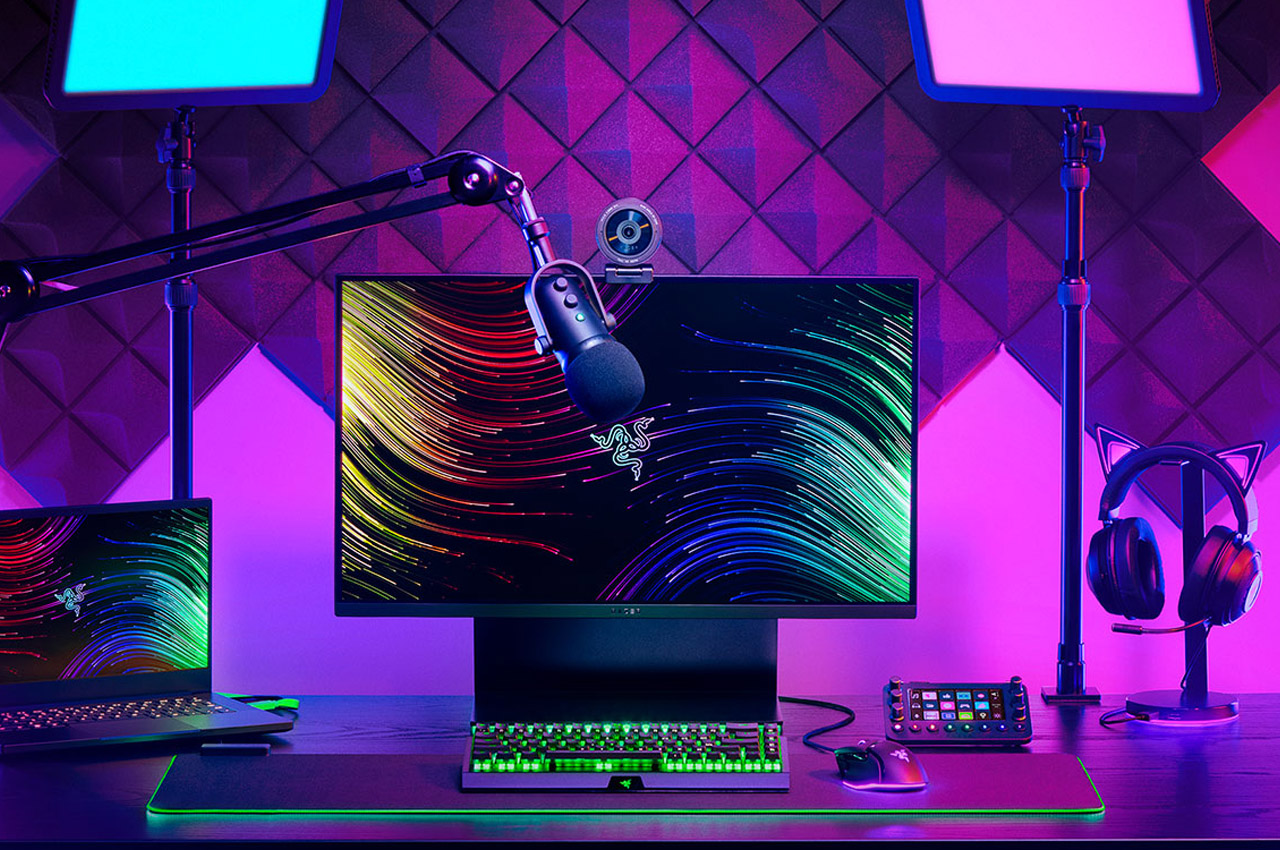
Keep the microphone close without blocking the setup.
Microphone placement should support consistent speech while leaving enough room for normal movement across your keyboard, mouse, controller and monitor area.
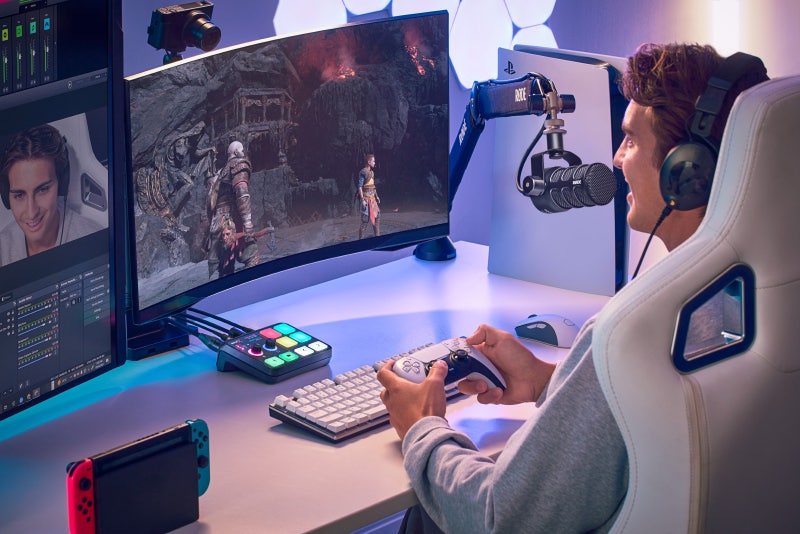
Keep gaming controls in the primary zone.
Streaming equipment should support your gaming position, not replace it. Keep the gear you touch continuously closest to you and move occasional controls slightly farther away.
Use lighting to support the station, not overwhelm it.
A controlled lighting plan can make the desk easier to read and give the streaming space a consistent visual atmosphere without turning every surface into a competing light source.
Desk Visibility
Keep enough controlled illumination around the keyboard, mouse, controller and nearby controls to identify them without relying on maximum RGB brightness.
Background Separation
Small amounts of background light can visually separate the gaming station from the surrounding room without competing with the monitor.
Color Restraint
Use one or two coordinated accent tones instead of multiple constantly changing colors if you want a cleaner and more consistent battlestation.
Put repeated actions one movement away.
The most useful streaming controls are the ones you can operate consistently without losing track of the game. Organize controls by frequency instead of filling every available shortcut.
Mute
Keep microphone mute immediately accessible.
Audio Level
Make common monitoring adjustments easy to identify.
Stream Actions
Group repeated broadcast controls into a consistent location.
Lighting
Keep occasional lighting changes outside the primary input zone.
Six checks for a cleaner start.
Test the complete station before adding more equipment. A simple setup that behaves predictably is easier to use, troubleshoot and improve.
Check Voice Level
Speak at your normal gaming volume and confirm that the microphone level remains controlled during both quiet and energetic moments.
Check Monitoring
Make sure game audio, communication and your own monitoring level remain comfortable together.
Check Control Reach
Confirm that important streaming controls can be reached without moving your primary gaming peripherals out of position.
Check Cable Movement
Move the mouse, keyboard, controller and microphone arm through their normal range and look for cable tension.
Check Desk Space
Remove equipment that blocks your normal gaming position or occupies useful mouse and controller space without serving a repeated function.
Check the Full Routine
Run through the complete sequence of starting, playing, adjusting audio and ending the session before deciding what the setup still needs.
Common questions when building the station.
What should I upgrade first for a streaming setup?
Do I need a separate streaming control pad?
Where should the microphone sit on the desk?
How much RGB lighting should I use?
How should I organize a small streaming desk?
Clear audio. Accessible controls. Space to play.
Start with the equipment that supports your core gaming and communication workflow, then refine the station around the way you actually stream.