
Pixentra Community
Built Around Better Setups.
Pixentra Community is about the ideas, decisions and details behind modern gaming setups. From precision input and clear audio to organized battlestations, we believe the strongest gaming environments are shaped by people who care about how every part works together.

Different players. Shared attention to the details.
Gaming setups can look completely different while still being built around the same core ideas: clear control, comfortable interaction, organized equipment and an environment that supports focused play.
Precision Matters
Mouse, keyboard and controller choices should reflect the movements, games and routines that define each player's sessions.
Communication Matters
Headsets and microphones should support clear communication without complicating the desk or interrupting the primary control area.
Organization Matters
Cable routing, charging and accessory placement can make a setup easier to use without removing its individual character.
Identity Matters
Lighting, hardware choices and desk composition can express personality while still preserving a clean, practical gaming environment.
A battlestation is personal because the way we play is personal.

There is no single correct gaming setup.
Competitive players may prioritize open mouse space and immediate controls. Controller-focused setups can organize the desk differently. Streaming environments may add microphones and communication equipment. The best direction depends on what the setup needs to support.
-
A
Build around your main input Give the devices you use most the clearest and most comfortable position on the desk.
-
B
Make secondary gear easy to reach Headsets, controllers, charging and support accessories should stay accessible without crowding primary controls.
-
C
Refine after the core feels right Lighting and visual details work best after the functional layout has already been established.
One community can include many ways to play.
What works for one battlestation may not work for another. Looking at different priorities can make it easier to understand which ideas belong in your own setup.
Control First
A focused competitive environment often keeps the central desk clear and minimizes anything that interferes with rapid input.
- Large uninterrupted mouse area
- Direct keyboard access
- Clear communication controls
Flexible Setup
Mixed gaming setups can move between mouse, keyboard and controller play while preserving enough space for everyday desktop use.
- Adaptable device positioning
- Accessible controller storage
- Shared charging locations
Workflow Balance
Streaming environments add communication and recording equipment without giving up the comfort of the underlying gaming setup.
- Microphone outside mouse travel
- Clear audio controls
- Organized power and cables
Look for ideas, not templates.
A useful setup reference shows how equipment, movement and space work together. The most valuable inspiration is the kind that helps you notice a better solution for your own desk.
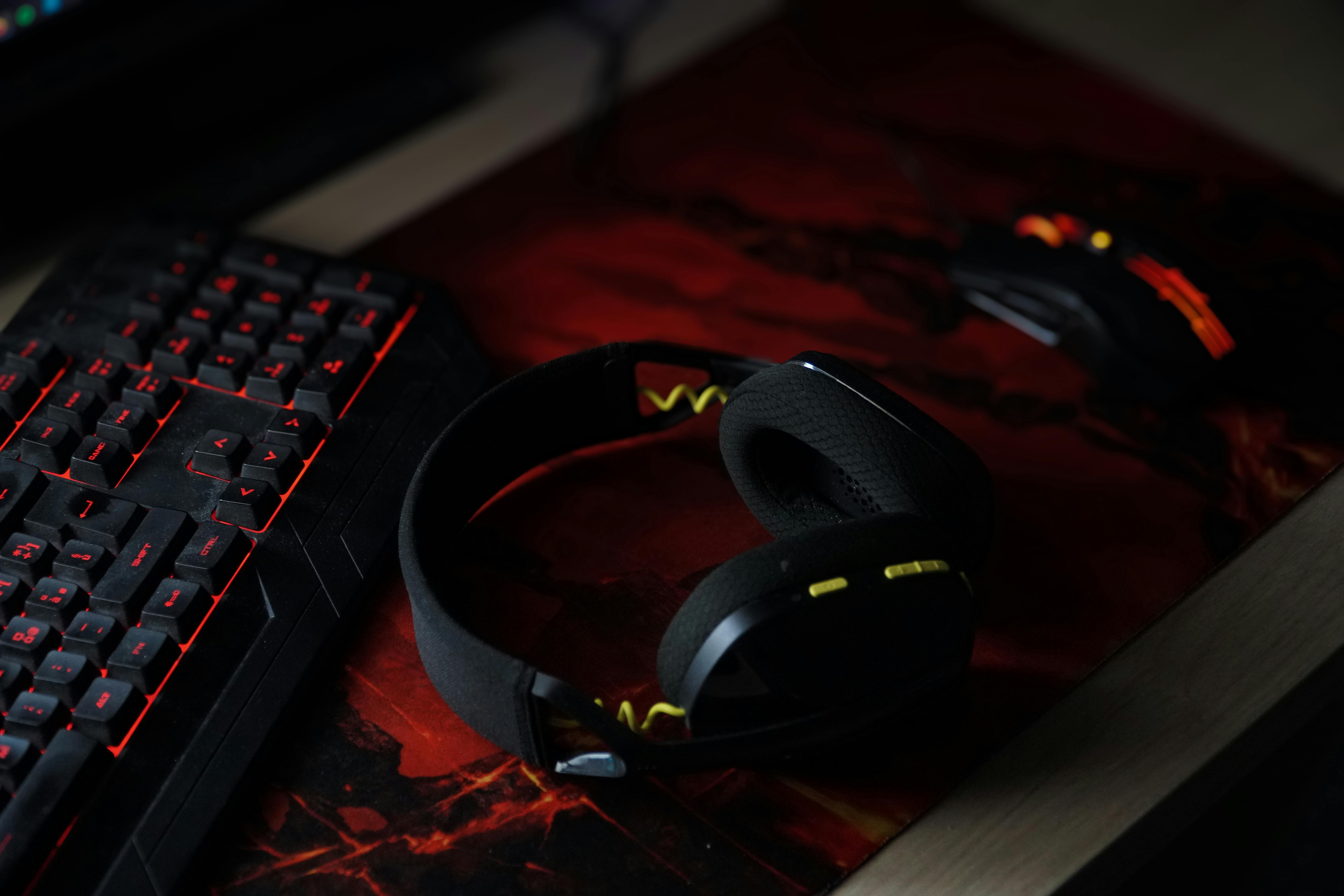
Balance primary controls with audio and desk space.
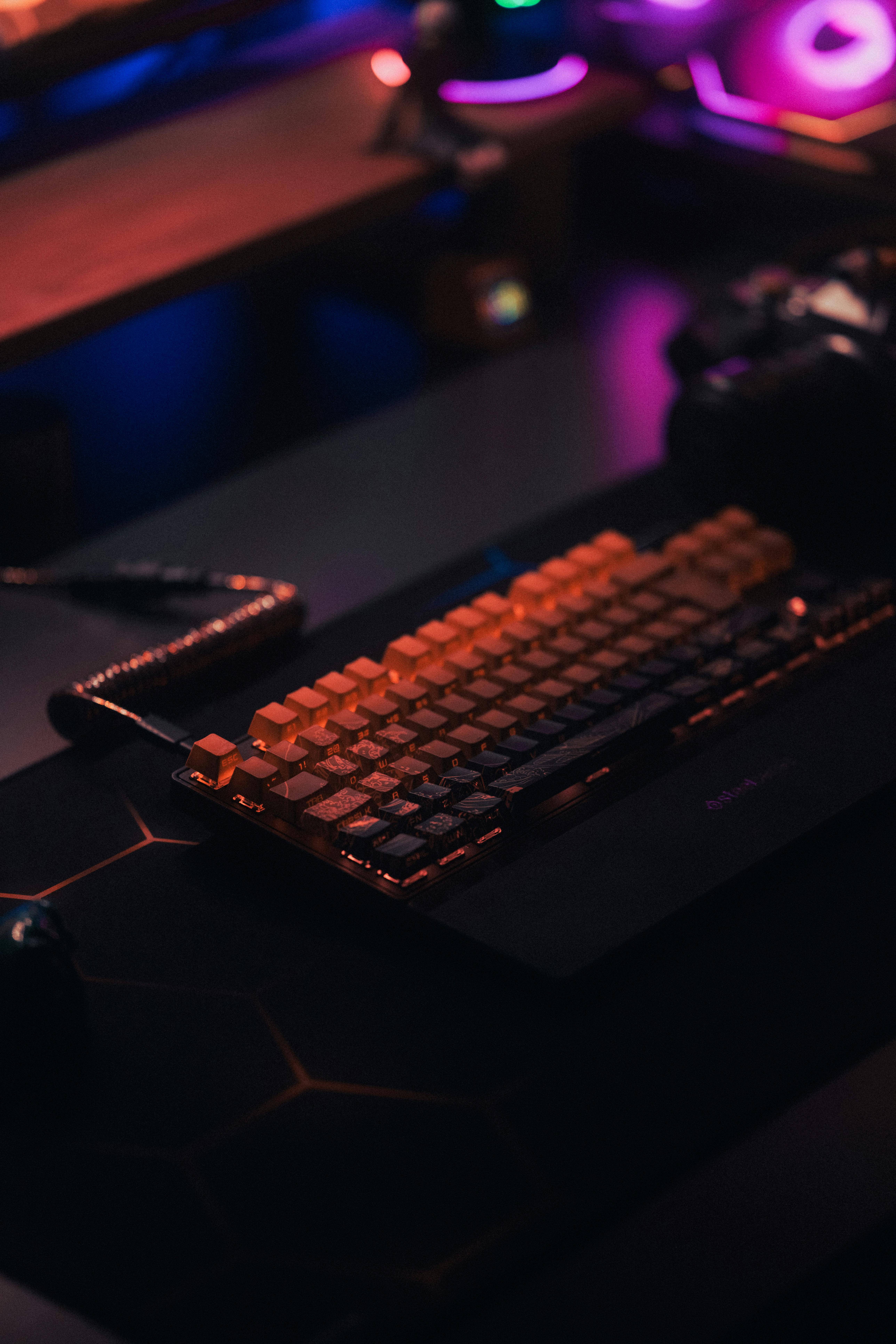
Let the keyboard layout match the space you need.
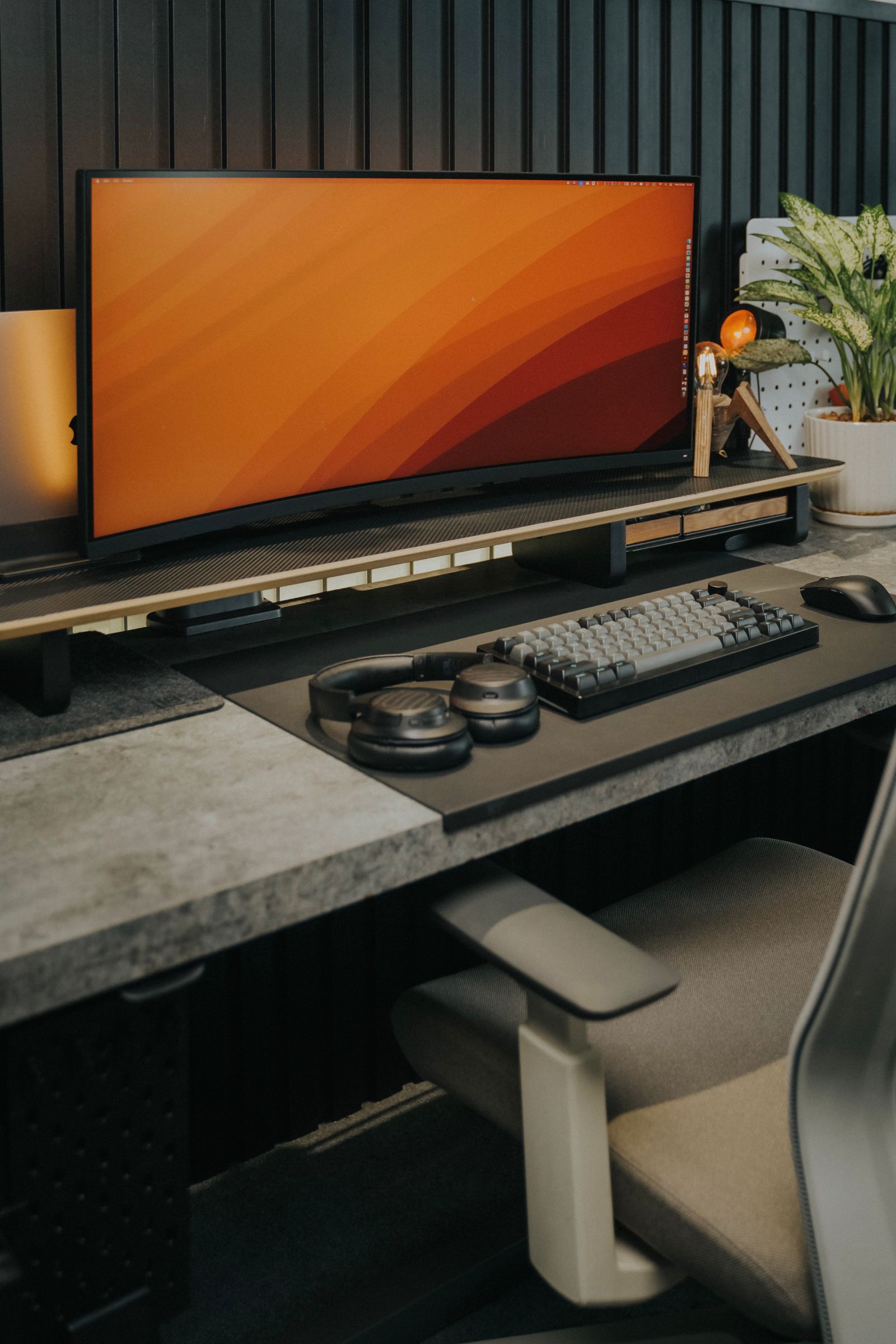
Give every device a repeatable place.
Good setup ideas become more useful when the reasoning is clear.
The story behind a setup matters as much as the final look.
A desk can be visually impressive, but the most useful details explain why the mouse area is open, why the keyboard sits at a certain angle, where the headset is stored or how cables stay outside the active zone.
-
01
Show the complete environment The relationship between devices can reveal more than a close-up of one accessory alone.
-
02
Explain the important choices Useful setup thinking focuses on movement, comfort, organization and the reasons behind each placement.
-
03
Keep the focus on gaming hardware Keyboards, mice, controllers, headsets, microphones and desk gear should remain central to the setup story.
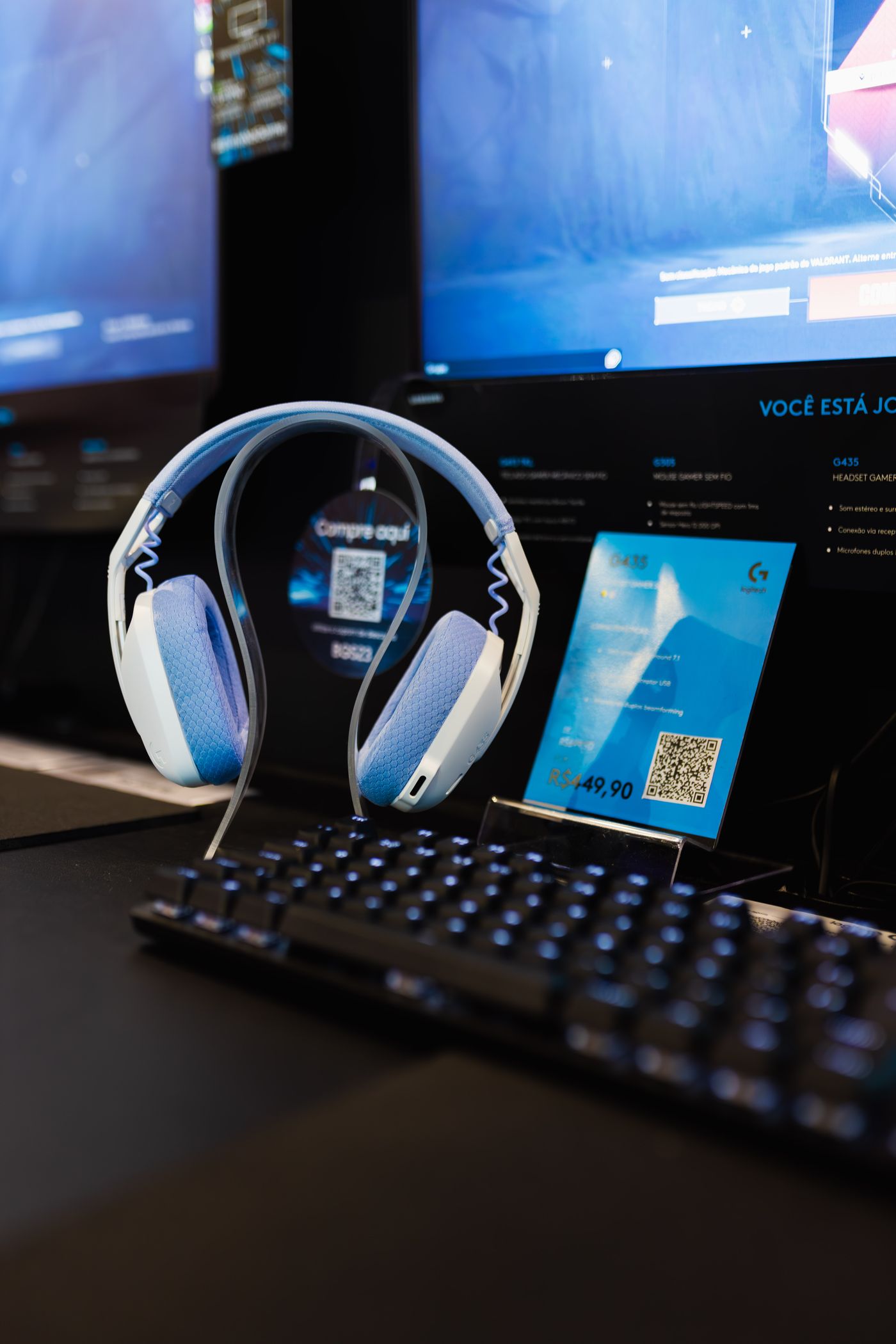
Build, refine, compare and keep learning.
A gaming setup is rarely finished in one decision. Small adjustments can improve how the desk feels without replacing everything at once.
Start with the core
Establish mouse, keyboard, controller and audio placement before adding secondary equipment around them.
Test the real workflow
Use the setup through normal sessions and notice where movement, access or organization creates unnecessary friction.
Refine one detail at a time
Improve positioning, cable routing or accessory placement without changing parts of the desk that already work well.
Keep your own priorities
Use other setups as inspiration, but keep the final decisions connected to the way you personally play.
A better battlestation starts with understanding why every piece is there.
Pixentra Community is built around that idea: thoughtful gaming hardware, clear setup decisions and an appreciation for the many different ways a focused gaming environment can come together.