
Gaming Audio Guide
Hear the Detail. Keep Communication Clear.
Gaming audio should support awareness, communication and long sessions without adding unnecessary complexity. Build your audio setup around the way you play, the controls you use and the space available on your battlestation.
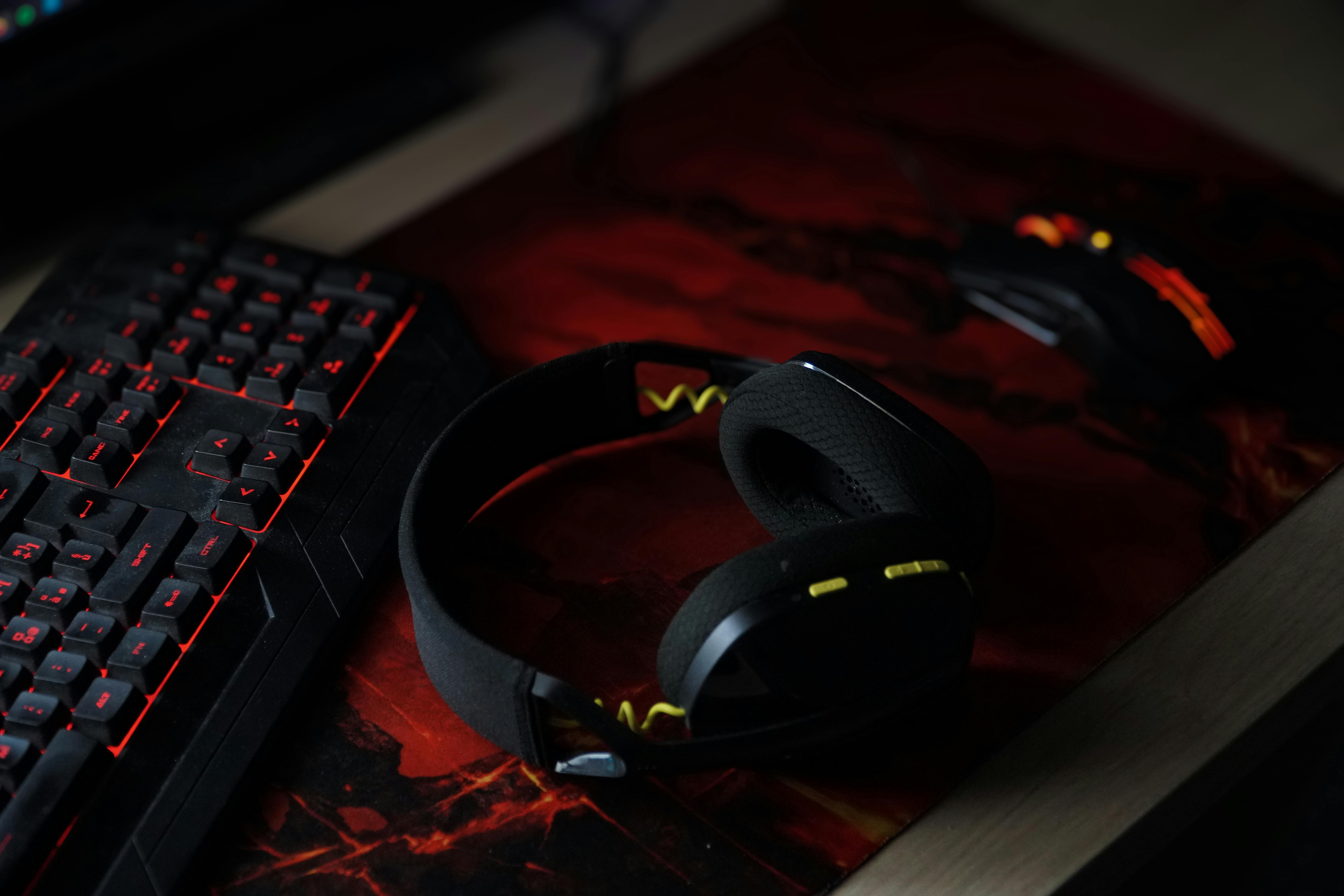
Four priorities shape a focused gaming audio setup.
Sound quality matters, but the complete experience also depends on physical comfort, communication, controls and how naturally the audio equipment fits into your desk.
Start With Comfort
Headband pressure, ear-cup space and overall fit matter during longer sessions. Choose a design that stays comfortable without constant adjustment.
Define Your Priorities
Competitive play, cinematic games and mixed sessions can emphasize different details. Choose around what you want to hear most clearly.
Keep Voice Simple
Place microphones and mute controls where they can be reached quickly without interrupting mouse or keyboard movement.
Reduce Friction
Volume, mute and connection controls should feel predictable so audio adjustments do not distract from the session.
A headset should disappear into the session.

Choose comfort before cosmetic details.
A headset can sound impressive and still become distracting if the fit requires constant adjustment. Pay attention to how the headband, ear cups and overall weight interact during the kind of sessions you normally play.
-
F
Stable fit The headset should stay in place naturally without forcing excessive pressure around the head or ears.
-
C
Ear-cup comfort Look for enough room around the ears and a cushion shape that remains comfortable through longer sessions.
-
A
Adjustment range A useful adjustment range makes it easier to find a consistent fit instead of repeatedly repositioning the headset.
Choose the presentation that fits your sessions.
There is no single sound balance that suits every game. Think about whether you prioritize directional detail, atmosphere, voice communication or a more flexible mix across different types of play.
Clear Detail
A focused competitive setup benefits from clean separation between game information, voice communication and background elements.
- Prioritize easy-to-follow game cues
- Keep team communication easy to distinguish
- Avoid excessive audio clutter
Fuller Atmosphere
Story-driven and cinematic sessions may benefit from a broader, more enveloping presentation that keeps effects, music and environmental detail in balance.
- Preserve environmental detail
- Balance effects with dialogue
- Keep long sessions comfortable
Flexible Balance
If you move between multiplayer, single-player and general desktop use, prioritize a versatile presentation with controls that are easy to adjust.
- Adapt easily between game types
- Maintain clear voice communication
- Keep volume controls accessible
Keep your voice path clean and easy to control.
Communication should not compete with your controls.
Whether the microphone is built into a headset or positioned separately on the desk, it should support clear communication without entering your mouse, keyboard or monitor space.
-
01
Keep placement consistent Position the microphone so your normal posture does not require leaning toward it during conversation.
-
02
Make mute easy to reach A predictable mute control reduces unnecessary movement when you need to step away from voice communication.
-
03
Protect the input zone Keep microphone stands and cables outside the area where your mouse and keyboard move most frequently.
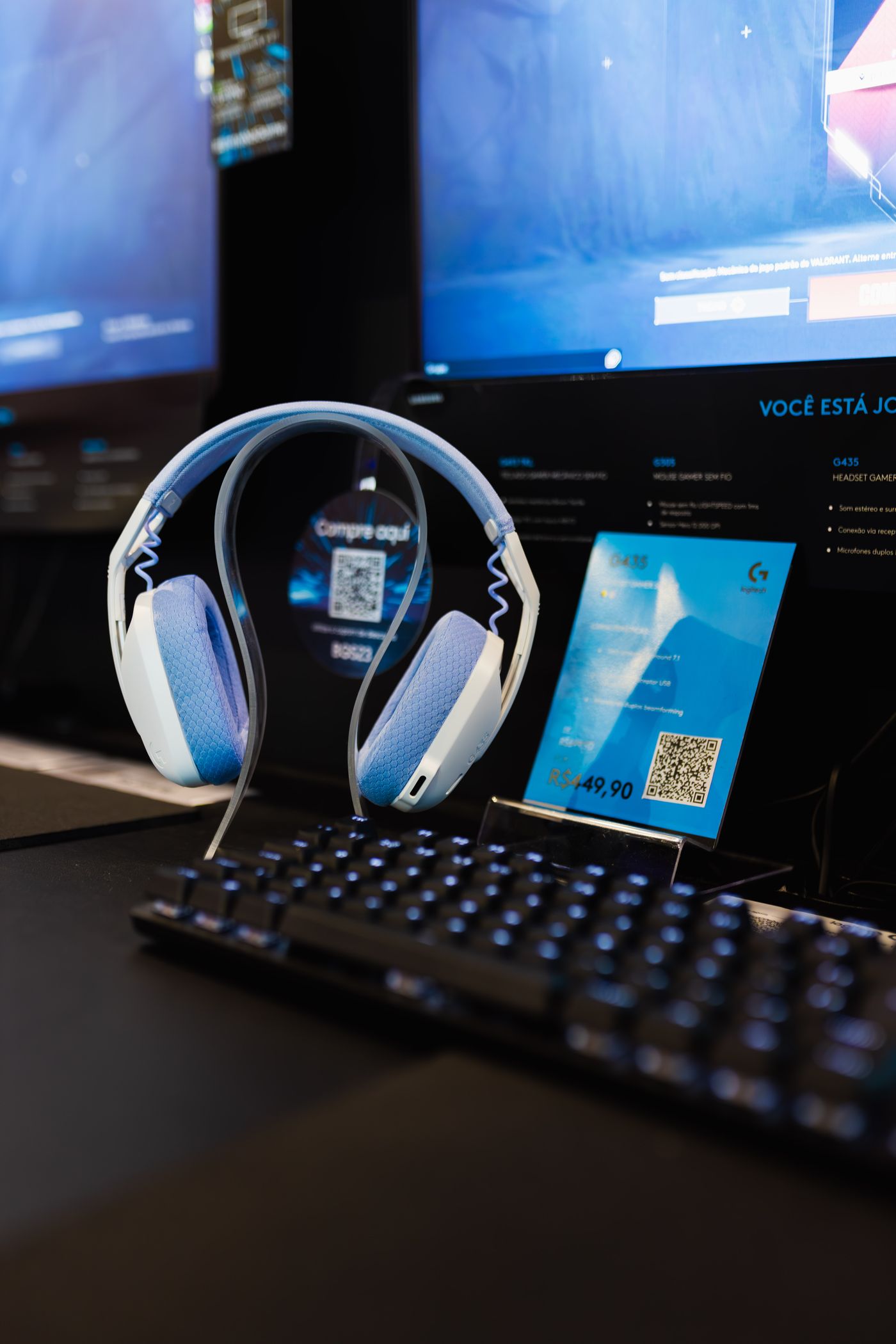
The best controls are the ones you do not have to search for.
Connection type, volume access and mute placement all influence how smoothly audio fits into the rest of the setup. Prioritize predictable controls over unnecessary complexity.
Wired positioning
Route the cable toward the edge or rear of the desk so it does not drag across the mouse area or interfere with keyboard movement.
Wireless workflow
Keep charging access simple and predictable so the headset can return to the same storage and power location after each session.
Volume access
Volume controls should be reachable without forcing you to search around the headset, desk or software interface during play.
Mute confidence
Choose a mute method that feels obvious and repeatable so you always know when communication is active or paused.
Audio gear should support the desk, not crowd it.
Headsets, microphones and charging cables can quickly add visual and physical clutter. Give each audio component a repeatable location outside your main control zone.
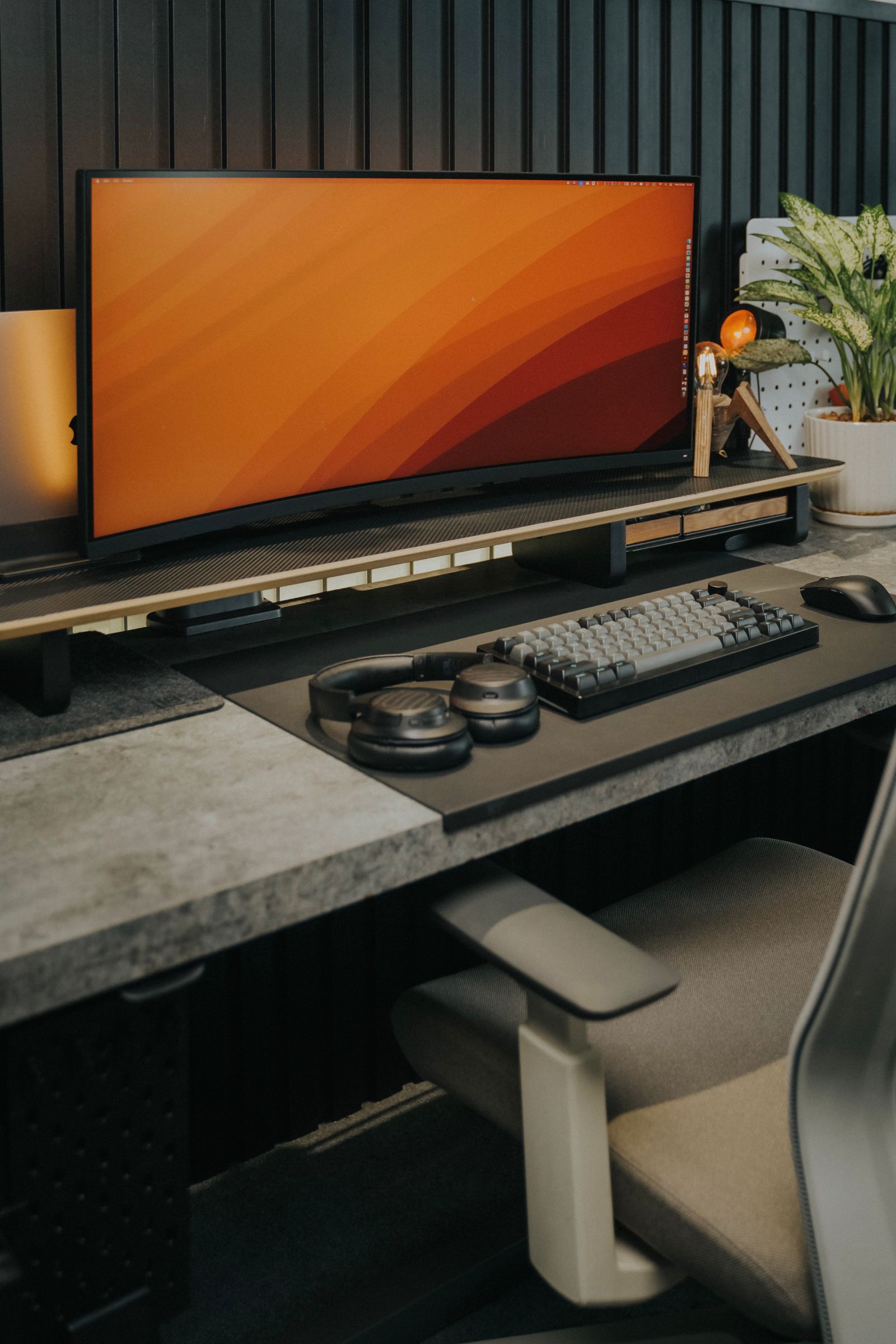
Refine the system in a simple sequence.
Instead of changing everything at once, work through fit, sound, communication and desk integration in order.
Set the Fit
Adjust the headset until the position remains comfortable and stable through a normal gaming session.
Balance the Sound
Focus on the game information, communication and atmosphere that matter most to the way you play.
Test Communication
Check microphone position, mute access and voice workflow while sitting in your normal gaming posture.
Organize the Desk
Give cables, charging points and headset storage a fixed location away from the primary input area.